Budget Planner vs. Budget Tracker: Which App Do You Actually Need?
“Budget app” covers two very different tools. Some tell your money where to go. Others show you where it went. Picking the wrong kind is one of the most common reasons people give up on budgeting in the first week.
Here’s the difference, how the 10 apps I tested split, and how to tell which one you need right now.
Planner: money’s job before you spend it
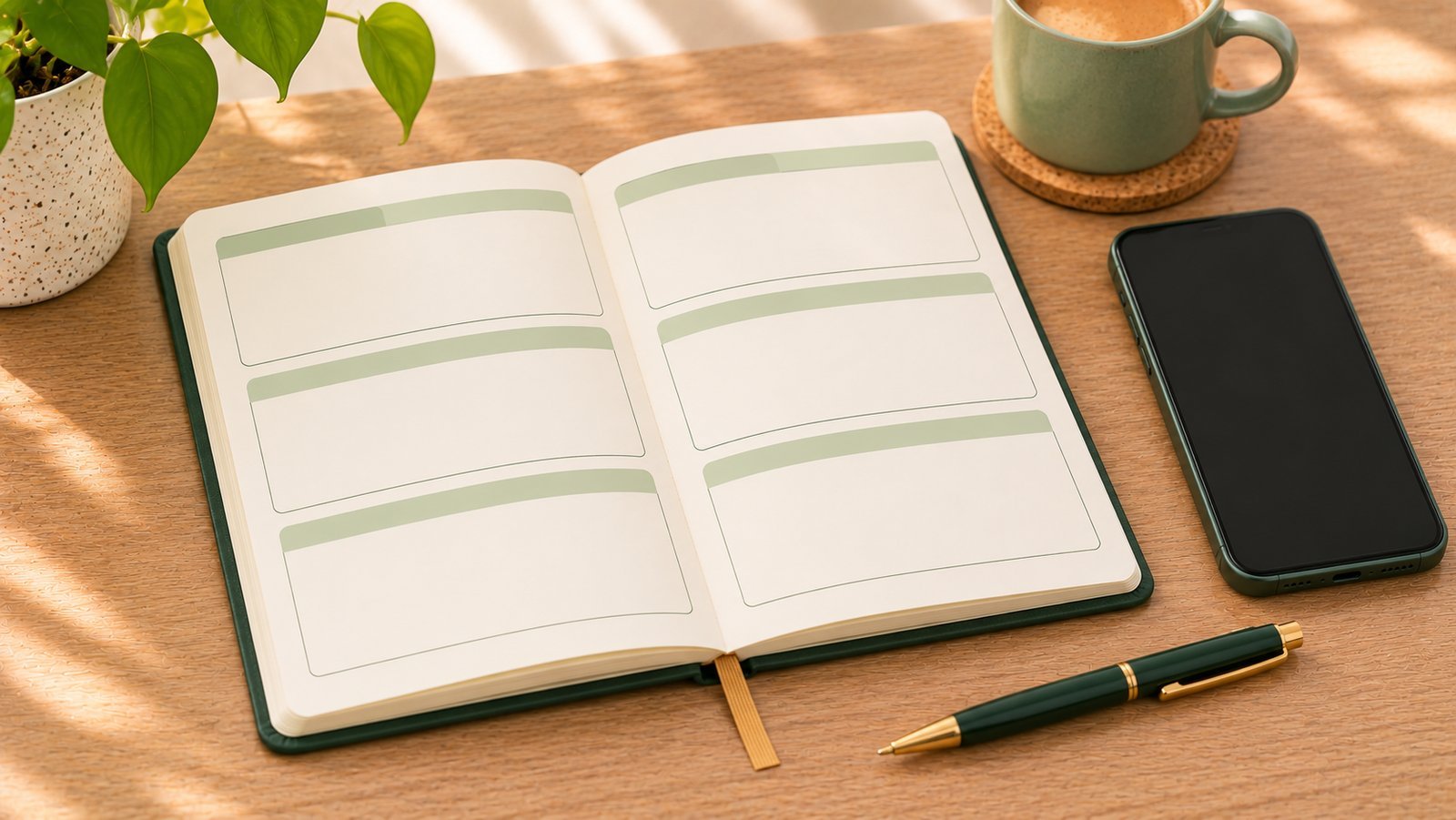
A budget planner works forward. Before the month starts – or when money comes in – you decide: this much for rent, this much for groceries, this much to savings. Then you spend within the plan and adjust as you go.
The best-known version is zero-based budgeting: assign every dollar until nothing is left unassigned.
Good for: people who already know roughly what they spend, want control, and don’t mind setup.
The catch: a plan built on guesses falls apart quickly. If you’ve never tracked, your grocery number is probably wrong, and finding that out on day 12 is discouraging.
Tracker: where your money actually went
A budget tracker (or expense tracker) works backward. You log what you spend, and it shows totals by category: groceries, gas, eating out.
Good for: beginners, anyone who has quit budgeting before, and anyone who wants the habit before the plan.
The catch: it shows the past. On its own, it doesn’t tell you how much you can still spend this week.
How the 10 apps I tested split
| Mostly planners | Mostly trackers |
|---|---|
| EveryDollar (zero-based monthly plan) | Monefy |
| YNAB (give every dollar a job) | Finro |
| Goodbudget (envelopes) | Budget app |
| Budget Bestie (cash envelopes) | GoodMoney |
Monarch and Copilot sit somewhere else: they’re dashboards for connected bank accounts, with budgets on top. Details for each are in my review of all 10 and in the app reviews.
In my test, the planners asked for much more before the first expense – lessons, questionnaires, an account – while the trackers got me logging within a minute or less.

Which one do you need right now?
Start with a tracker if:
- you don’t know what you spend in a typical month;
- you’ve started budgets before and dropped them;
- your income is irregular, so a fixed monthly plan feels like fiction (budgeting irregular income).
Go to a planner if:
- you’ve tracked for at least a few weeks and know your numbers;
- you have a goal that needs planning – paying off a card, saving for something;
- you like setting things up and checking in often.
Many people end up in the middle: track every day, and plan just a few things – bills, debt payments, savings – then turn what’s left into one weekly spending limit. It has most of the control of a plan with the low effort of a tracker.
If you’re comparing specific apps
- Want a planner without paying? See free YNAB alternatives and EveryDollar vs Goodbudget.
- Want the simplest tracker? See what makes an expense tracker worth keeping and Monefy vs Finro.
- Not sure? The 1-minute quiz asks what you need and suggests an app.
The bottom line
A planner tells your money where to go; a tracker shows where it went. If you’re starting out or starting over, track first – it’s easier and makes any plan you build later more accurate. When you know your numbers, add a plan, or just a weekly limit. That middle ground – simple tracking plus a daily budget after bills – is what I’m building into my own app.
This article shares my own experience. It isn’t financial advice.
Frequently asked questions
What's the difference between a budget planner and a budget tracker?
A budget planner helps you decide in advance how much goes to each thing – bills, savings, groceries. A budget tracker records what you actually spent and shows it by category. A planner looks forward; a tracker looks back.
Which is better for beginners?
For most beginners, a tracker. It's easier to start and teaches you your real spending. Once you know your numbers, adding a plan is much easier and more accurate.
Which apps are budget planners?
Among the apps I tested, EveryDollar, YNAB and Goodbudget are planners: you assign money before you spend it. Monefy, Finro and Budget app are mainly trackers.
Can one app do both?
Yes. Many apps track spending and let you set category budgets. The question is which side the app is built around, because that decides how much setup it asks for and how easy daily logging is.
Keep reading
 Free Expense Tracker App: What Actually Matters (I Tested 10)
 Zero-Based Budget App: How It Works, and Free Ways to Try It
 Free YNAB Alternatives: What You Get Without Paying $109 a Year
See all 10 budget apps compared · Which app fits you? 1-minute quiz · All articles
Want a simpler budget app?
One email when the app is live on the App Store. No spam.
This article shares my own experience. It isn't financial advice.