Zero-Based Budget App: How It Works, and Free Ways to Try It
“Zero-based budget” sounds like accounting. It’s actually the simplest idea in budgeting: give every dollar a job until there’s nothing left without one.
Here’s how it works, a quick example, which of the 10 apps I tested are built on it, and how to try it without paying.
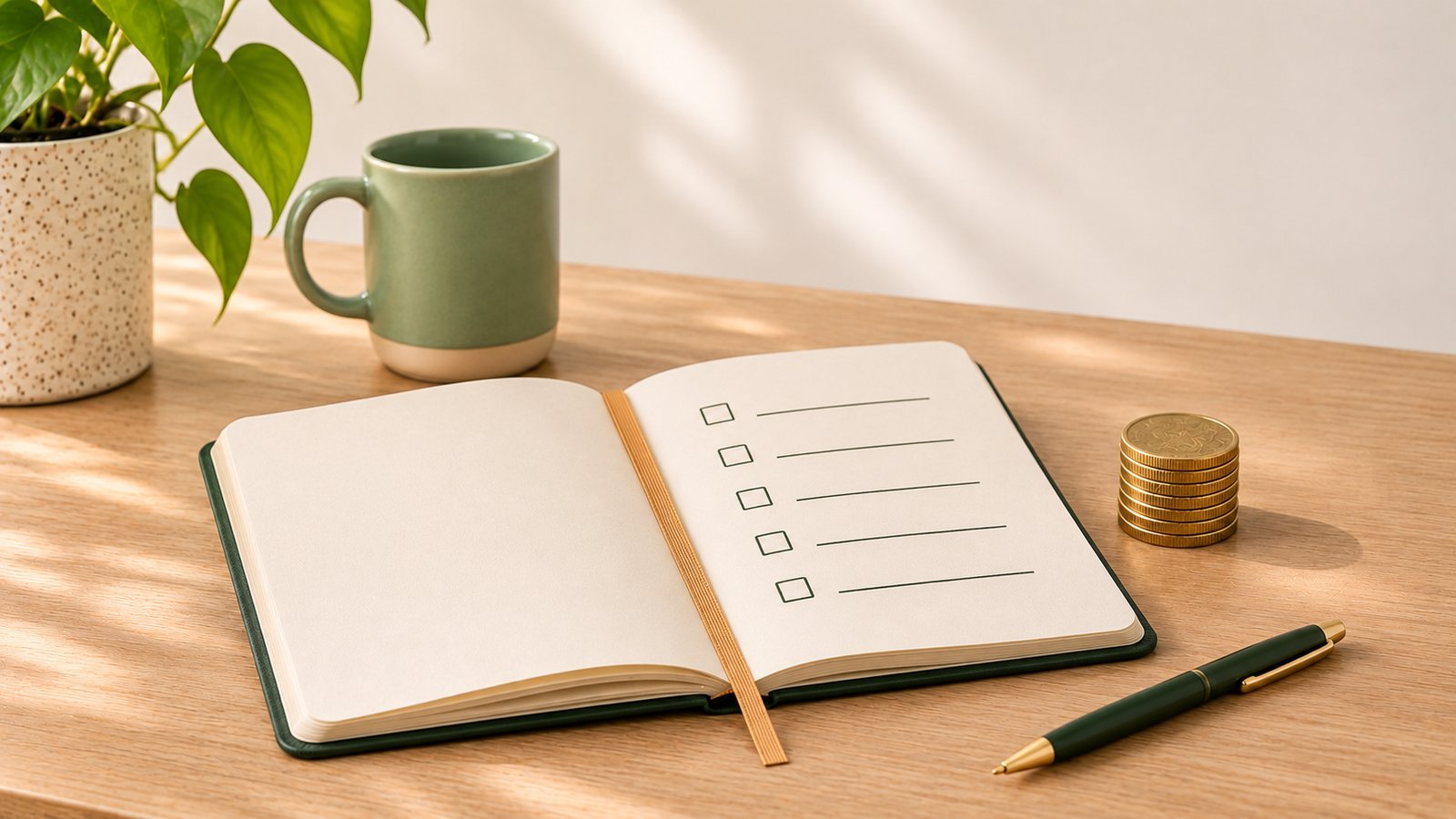
How zero-based budgeting works
Start with your income for the month. Then assign all of it:
- Bills – rent, utilities, phone, insurance, subscriptions.
- Debts – at least the minimum on each.
- Savings – an emergency fund, a goal, money for big yearly costs.
- Everyday spending – groceries, gas, eating out, fun.
Keep assigning until income minus plan = 0. Zero doesn’t mean your account is empty. It means every dollar has a purpose before you spend it.
An example
Say $3,600 comes in this month.
| Job | Amount |
|---|---|
| Rent | $1,400 |
| Utilities and phone | $250 |
| Car insurance and gas | $350 |
| Credit card minimum | $120 |
| Emergency fund | $200 |
| Car registration (saving monthly) | $30 |
| Groceries | $500 |
| Eating out and fun | $300 |
| Everything else | $450 |
| Left to assign | $0 |
(Your numbers will be different – the method is the point.)
If you overspend on groceries, you don’t break the budget – you move money from another job, like eating out, and the total stays at zero.
Which apps use it
From the 10 apps I tested for my review:
- EveryDollar is a zero-based monthly budget at its core. The free manual version exists, Ramsey says, but in my test the app put me on a 14-day Premium trial ($17.99 a month or $79.99 a year afterward) that I had to cancel myself, after about 15 setup questions. (My EveryDollar review.)
- YNAB uses a closely related method: give every dollar you have a job. It’s excellent at it, but there’s no free plan after the 30-day trial – $14.99 a month or $109 a year. (YNAB vs EveryDollar.)
- Goodbudget does the same thing with envelopes: you fill envelopes until your income is assigned. The free plan has 20 envelopes and doesn’t expire. (EveryDollar vs Goodbudget.)
Simple trackers like Monefy don’t do zero-based budgeting at all – they show where money went, not where it’s going. That’s a different job (planner vs tracker).

Zero-based budgeting with irregular income
The classic version starts with “your monthly income”. If you don’t have a fixed one, change one thing: budget only money that has already arrived.
Each time a payment lands, give it jobs right away – upcoming bills first, then taxes if nobody withholds them, then debts, then spending. When the next payment arrives, do it again. That’s essentially what YNAB teaches (more on irregular income).
How to try it for free
- On paper or in a spreadsheet for one month. Income at the top, jobs below, and a cell that shows what’s left to assign.
- Goodbudget’s free plan, if you like envelopes (Goodbudget review).
- EveryDollar’s free version, if you don’t mind a Ramsey account and checking that you’re not on a trial.
An AI chatbot can also draft a first plan from your numbers (can ChatGPT replace a budget app?). Give it one full month. The first month is mostly learning what your real spending is; the second is when it starts to feel like control.
Is zero-based budgeting for you?
It’s great if you like planning and want every dollar accounted for. It’s harder if you hate setup – many people quit in the first week because assigning every dollar feels like homework.
If that’s you, there’s a lighter version: cover bills, debts and savings first, then turn what’s left into one weekly spending limit. Less precise, much easier to keep up.
The bottom line
A zero-based budget gives every dollar a job until income minus plan equals zero. EveryDollar, YNAB and Goodbudget are built around it; only Goodbudget’s free plan is free without a trial in my test. Try it for one month on paper first – you’ll know quickly whether the method fits you before you pay for an app.
Prices checked November 2026 on the US App Store. This article shares my own experience. It isn’t financial advice.
Frequently asked questions
What is a zero-based budget?
It's a budget where you assign every dollar of your income to something – bills, debts, savings, everyday spending – until income minus everything you've planned equals zero. Zero doesn't mean your account is empty; it means no dollar is left without a job.
Which apps use zero-based budgeting?
EveryDollar is built around a zero-based monthly budget, and YNAB uses a closely related method where you give every dollar you have a job. Goodbudget's envelopes work in a similar way. You can also do it in a spreadsheet or on paper.
Is there a free zero-based budget app?
Ramsey says EveryDollar has a free manual version, though in my test the app started me on a 14-day Premium trial that I had to cancel. Goodbudget's free plan (20 envelopes) also lets you plan every dollar. YNAB has no free plan after its 30-day trial.
Does zero-based budgeting work with irregular income?
Yes, if you budget only money that has already arrived instead of an expected monthly paycheck. Each time money lands, you give it jobs until it's all assigned.
Keep reading
 Free YNAB Alternatives: What You Get Without Paying $109 a Year
 How to Budget With Irregular Income (When No Two Months Look the Same)
 A Weekly Spending Limit: The Budget That Works When Income Floats
See all 10 budget apps compared · Which app fits you? 1-minute quiz · All articles
Want a simpler budget app?
One email when the app is live on the App Store. No spam.
This article shares my own experience. It isn't financial advice.