AI Budgeting Apps: What AI Actually Helps With (and What It Doesn't)
Several of the budget apps I tested mention AI somewhere: AI-powered logging, AI categories, an AI assistant. One app called itself “Your AI-Powered Financial Assistant” before I had logged a single dollar.
So what does AI actually do in a budget app – and what should you still do yourself? Here’s an honest breakdown.

Where AI genuinely helps
Logging in plain language
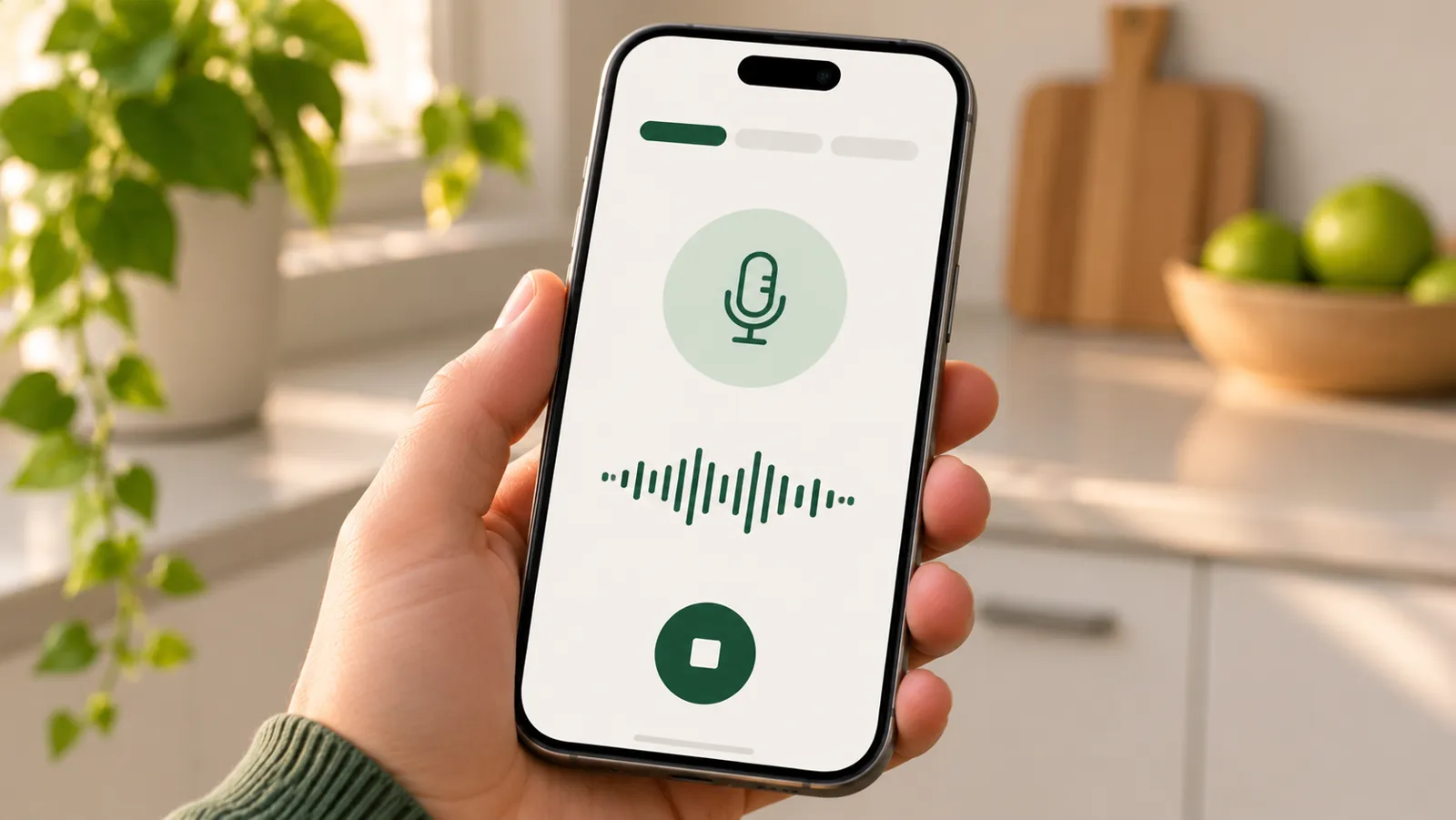
This is the best use of AI in budgeting, by far. Instead of tapping through menus, you type or say what happened: “gas 40,” “groceries 86 yesterday,” “+800 from the Johnson job.” The app figures out the amount, the category and the date.
Why it matters: the hardest part of budgeting isn’t math, it’s logging consistently. Anything that turns logging into a few seconds makes you more likely to keep doing it (why manual logging sticks).
Picking categories
Choosing a category for every purchase is small friction that adds up. AI can usually guess “gas” means transport and “Trader Joe’s” means groceries – and get better as you correct it.
Reading receipts
Some apps can scan a receipt and fill in the store, total and sometimes individual items. It’s handy for big shopping trips. Always check the total: one app I tested says outright that a scan can miss a line or misread a number.
Answering questions about your own spending
“How much did I spend on eating out this month?” “Was October more expensive than September?” A good AI feature can answer from your own data in plain language, without you building a report.
Where AI doesn’t help (much)
It can’t make you log
AI makes logging faster. It doesn’t make you remember. The habit is still yours – log right after you pay.
It doesn’t know your life
AI sees transactions. It doesn’t know that the big hardware store bill was a one-time repair, or that next month you’re expecting a slow season. Treat its observations as a starting point for your own judgment.
It’s not a financial advisor
An app can summarize your spending and point out patterns. It isn’t a licensed advisor and doesn’t know your full situation. Decisions about taxes, investments or serious debt deserve a qualified human.
“AI” on the label doesn’t mean simple
Several apps that advertised AI still put me through long setups, paywalls or a bank connection before anything useful happened. AI was a feature on the box, not something that made the first minute easier.
How to judge an AI budgeting app
Ask four questions:
- Does AI make logging faster – can I type or say one line and be done?
- Can I correct it easily when it picks the wrong category?
- Does it work without linking my bank?
- Is it clear about what’s free before I set it up?
If the answer to the first question is no, the AI isn’t helping with the part that matters.
How I’m using AI in my own app
In the app I’m building, AI does two small jobs, on the iPhone itself: suggesting the category from a word like “gas”, and writing a short weekly review – what changed and one thing to try next week. It doesn’t move money, doesn’t need your bank, and doesn’t tell you what to do with your life.
Wondering about general chatbots? Read can ChatGPT replace a budget app?
The bottom line
The best AI in a budgeting app is the kind you barely notice: you say “gas 40,” and it’s logged. Be skeptical of AI that promises to run your finances, and look for AI that makes the daily habit faster. That’s the part that changes things.
Compare the 10 apps I tested in my full review.
Frequently asked questions
What is an AI budgeting app?
It's a budget app that uses AI for tasks like understanding expenses you type or say in plain language, picking categories, reading receipts, or answering questions about your spending. The underlying budget is the same; AI mainly makes it faster to use.
Is it safe to use AI for budgeting?
It depends on the app. Check what data it collects, whether it requires a bank connection, and how it handles privacy. Treat AI suggestions as a starting point and double-check numbers that matter, like totals and bill amounts.
Can AI give me financial advice?
AI in a budget app can summarize your own spending and answer questions about it, but it isn't a licensed advisor and doesn't know your full situation. For decisions about investing, taxes or serious debt, talk to a qualified professional.
Do I need an AI budgeting app?
No. The basics – logging what you spend and seeing where it goes – work fine without AI. AI is most useful if it makes logging faster, for example by understanding 'gas 40' or a voice note, so you actually keep doing it.
Keep reading
 The Simplest Free Budget App: What "Simple" Actually Means (I Tested 10)
 Budget App Without Bank Connection: Which Ones Work Without Linking Your Account
 Can ChatGPT Replace a Budget App? What It Does Well and Where It Falls Short
See all 10 budget apps compared · Which app fits you? 1-minute quiz · All articles
Want a simpler budget app?
One email when the app is live on the App Store. No spam.
This article shares my own experience. It isn't financial advice.