The Simplest Free Budget App: What "Simple" Actually Means (I Tested 10)
Every budget app in the App Store says it’s simple. After installing ten of them on my iPhone, I can tell you most of them mean something different by it than I do.
For me, simple means one thing: I can log what I just spent before I lose interest. If an app can’t get me there in under a minute, it doesn’t matter how clean the design is – I’ll stop opening it by the end of the week. I’ve done exactly that more times than I can count.
So in each app I tried to do one thing: log a single expense, without linking my bank. Here’s what I learned about what “simple” really means – and which apps passed.
Five signs a budget app is actually simple
1. You can log an expense in under a minute from the first open
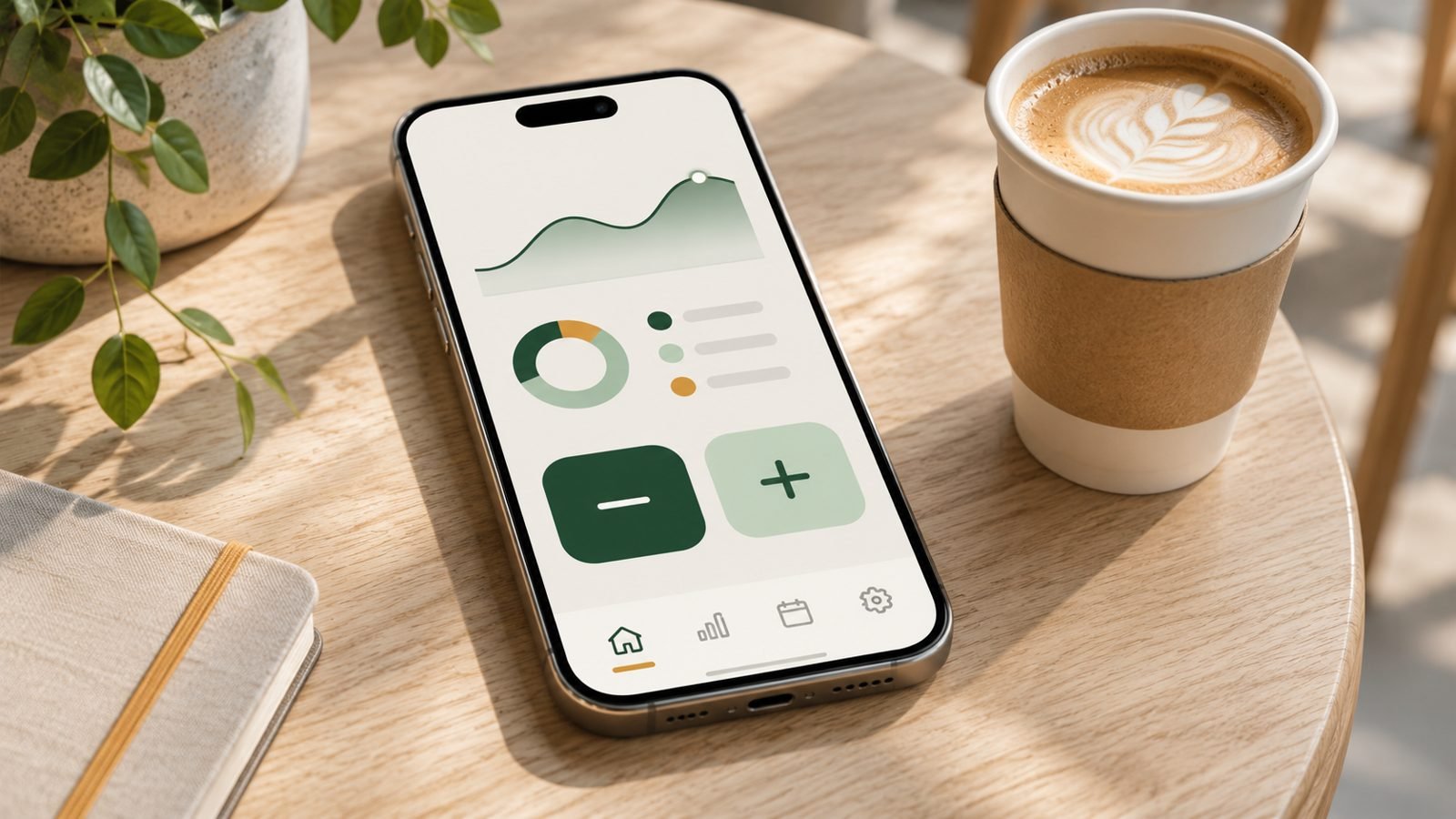
This is the test that matters. The best app I tested opens directly to two big buttons – minus for spending, plus for income. Tap minus, type the amount, tap a category. Three taps.
The worst one took me through about fifteen screens – text about money stress, my name, where I’d heard about them, my goal, an account, a subscription screen – and I still hadn’t logged anything after five minutes.
2. It doesn’t need your bank
Linking a bank sounds like it saves time. In practice it adds a setup step, a security worry, and – judging by the reviews – a steady stream of broken connections and duplicate transactions. In the apps that rely on bank sync, connection problems were one of the most common complaints in recent 1–3 star reviews.
Typing “gas 40” takes three seconds. And you remember what you spent, because you’re the one who wrote it down.
3. There’s no method to learn first
Two of the apps I tried are built around envelope budgeting. One explained it in five lessons before I could do anything. The other never explained it at all, then “filled” my envelopes with $348 of income I didn’t have.
Envelope budgeting works for plenty of people. But if you have to learn a method before you can log a coffee, the app isn’t simple – it’s a course.
4. It doesn’t interview you
Several apps asked me questions before I could do anything: how I feel about money, whether I have a partner, whether I work with a financial professional, what my rent is, which subscriptions I pay for, what insurance I have.
Some of those questions are thoughtful. But every question before the first expense is another chance to quit. A simple app lets you start logging now and fills in the rest later.
5. You know what’s free before you set it up
Four of the ten apps I tested have no free plan once the trial ends. That alone isn’t a problem. The problem is finding out after you’ve spent twenty minutes entering your categories and bills – the single most common complaint I saw in bad reviews across almost every app.
A simple app tells you up front what’s free and what isn’t.
How the 10 apps did
| App | First expense | Free after trial? |
|---|---|---|
| Monefy | Right away – 3 taps | Yes, with ads |
| Finro | 4 screens, about a minute | Yes, with limits |
| Budget – Simple Money Tracking | ~10 screens, then 2 taps | Yes |
| Goodbudget | ~1 minute, but via “envelopes” | Yes, forever |
| EveryDollar | Didn’t get there – account required first | Yes (manual) |
| GoodMoney | Didn’t get there – long questionnaire | Yes (on one device) |
| Budget Bestie | Didn’t get there – lessons first | No |
| YNAB | Didn’t get there in 5 minutes | No |
| Monarch | Didn’t get there | No |
| Copilot | Didn’t get there | No |
Only the first four got me to an expense screen without linking a bank, creating an account or finishing a questionnaire – and Goodbudget only through its envelopes. The full breakdown of each app – what’s free, what it costs, and what reviewers complain about – is in my review of all 10 budget apps.
Simple isn’t the same as basic
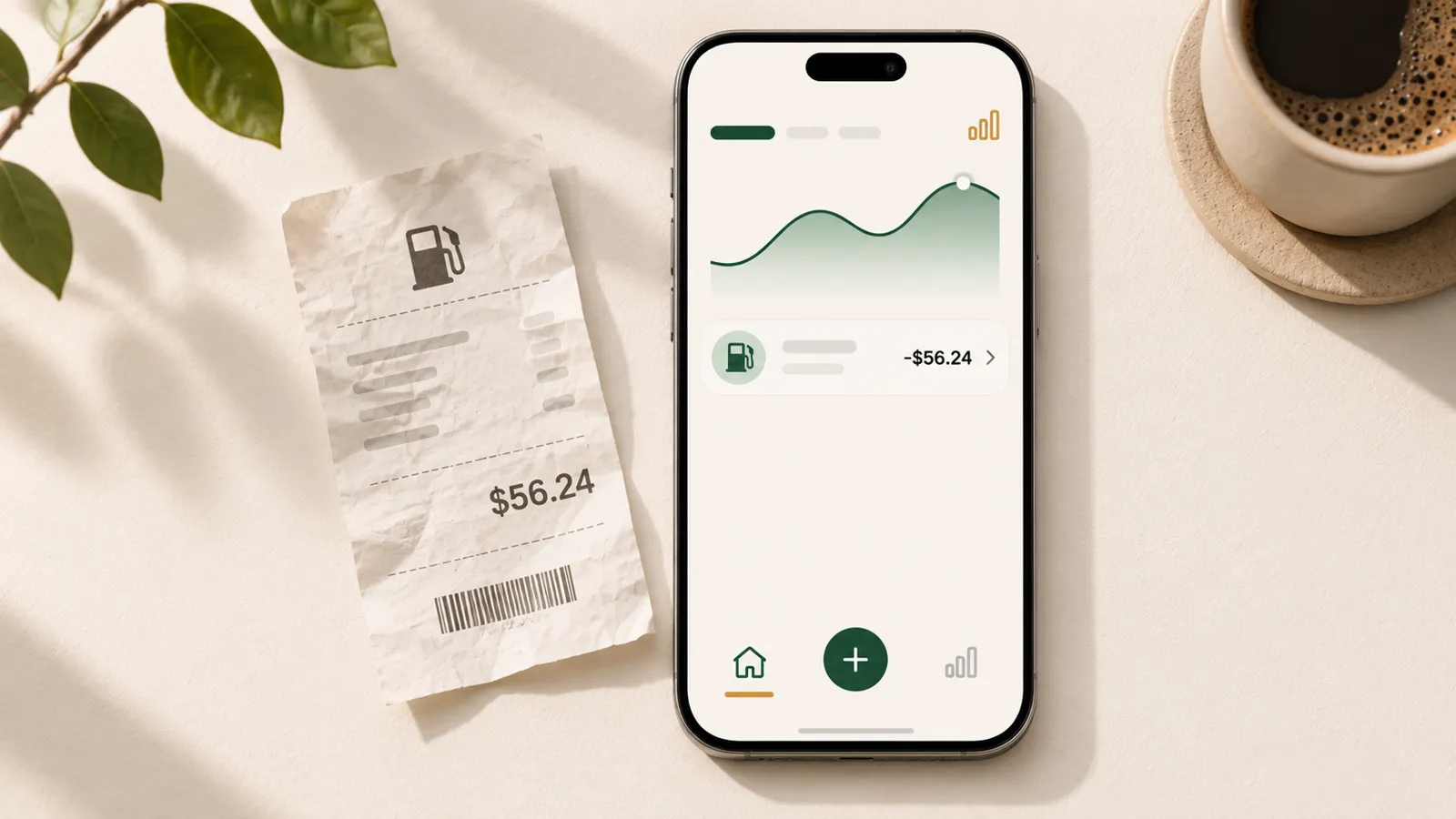
A fair worry: if an app is that simple, will it actually help?
Here’s how I think about it. Logging is the habit everything else is built on. You can’t plan what to spend next week if you don’t know what you spent last week – and you won’t know that unless logging is easy enough to do every day, including the bad days.
The apps that tried to do everything at once lost me before I logged a single expense. The simple ones are the only ones I’m still using.
What I do miss in the simplest apps is the next step: knowing how much is safe to spend this week after the bills that are coming, and how long my money will last. That’s exactly what I’m building into my own app – on top of logging that stays as fast as it is now.
How to keep it simple once you start
- Log right after you pay. At the gas station, at the counter. Five seconds now beats reconstructing a week of receipts later.
- Use the categories you’re given. You can change them later. Picking the “right” categories on day one is a great way to never start.
- Aim for seven days in a row. Not a perfect budget – just a week of logging. That’s usually when you see the first surprise.
- Don’t fix anything in week one. Just look. Changing your spending comes after you know what it is.
The bottom line
The simplest free budget app is the one you’ll still open next Friday. In my test, that meant: no bank, no method, no interview, an honest price, and an expense logged in under a minute. Monefy and Finro passed. Most of the big names didn’t – not because they’re bad apps, but because they’re built for a different job.
Frequently asked questions
What is the simplest free budget app?
In my test of 10 apps, Monefy was the simplest: it opens straight to a minus and a plus button, and logging an expense takes three taps. Finro was the simplest of the newer apps – three intro screens, a paywall you can skip, then plus, amount, category.
Is a simple budget app enough, or do I need a full budgeting system?
For most people starting out, simple is enough. Knowing where your money went is the first step, and you only learn it by logging consistently. A full system helps later, if you stick with tracking and want to plan ahead.
Do I need to link my bank to use a budget app?
No. Many apps work fine with manual entry, including Monefy, Finro, Goodbudget's free version and EveryDollar's free version. Typing an expense yourself takes a few seconds and keeps you aware of what you spend.
How can I tell if a budget app is really free before I install it?
Scroll to the In-App Purchases section of its App Store page and read the description for words like 'free trial' or 'subscription.' If every purchase is a subscription and the description mentions a trial, the app is probably not free after the trial ends.
Want a simpler budget app?
One email when the app is live on the App Store. No spam.
This article shares my own experience. It isn't financial advice.