Budget and Expense Tracker for the Self-Employed and 1099 Workers
When you work for yourself, three things happen at once: income comes in uneven chunks, nobody withholds taxes for you, and business and personal spending blur together on the same card.
I run a small business myself. Here’s the simple setup I’d recommend to anyone who gets paid on a 1099 – freelancers, contractors, tradespeople, gig drivers, cleaners, consultants – and what to look for in an app.
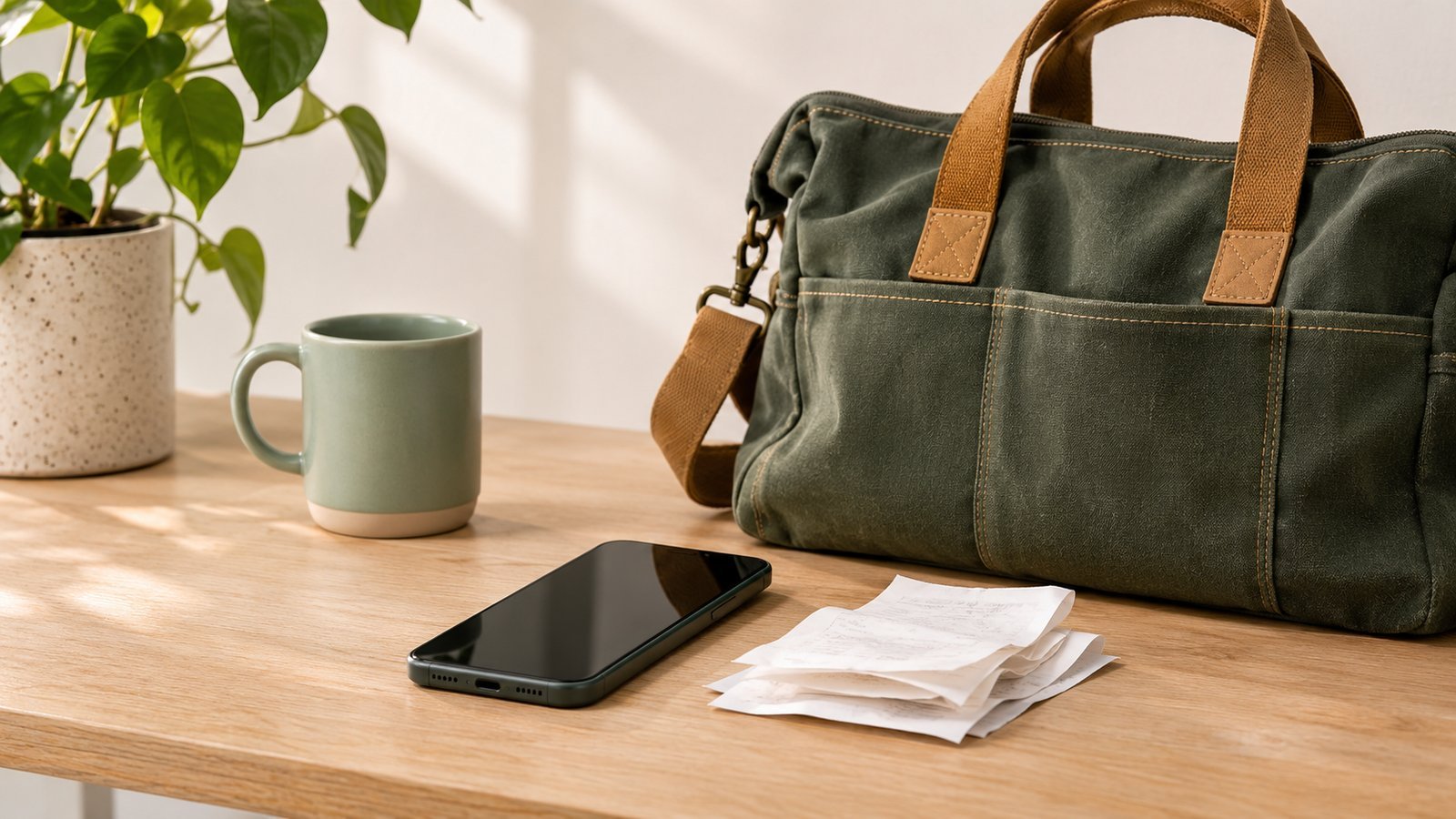
Separate the money first
Before any app: open a separate account for the business if you don’t have one. Payments from clients go in; business expenses come out; you pay yourself from it to your personal account.
That one step does more than any tracker. When the accounts are separate, you can see at a glance what the business earned and what’s actually yours, and tax time stops being a treasure hunt through a year of personal card statements.
Track three things, not twenty
You don’t need accounting software to start. Track three things:
- Money in. Every payment, the day it lands: amount, client, date. (More on this in paycheck tracker for freelancers.)
- Business expenses. Materials, tools, gas for jobs, software, phone, a share of anything you use for both work and life. Amount, what it was, and a photo of the receipt.
- Personal spending. The same simple log everyone needs: what you spent and on what.
Keep business expenses in their own categories (or their own account in the app), so they never mix with groceries and dinners out.
Set aside taxes the moment you’re paid
This is where most self-employed budgets break. A $2,000 payment feels like $2,000, but part of it already belongs to taxes.
The habit that works: every time a payment arrives, move a fixed share to a separate tax account before you spend anything. What share is right depends on your income, expenses and where you live – that’s a question for a tax professional, not a budget app. What the app can do is remind you that the money in your checking account isn’t all yours to spend.
In the US, self-employed people often pay estimated taxes during the year rather than once in April. Ask a tax professional whether that applies to you and when the payments are due.
Then budget like your income is irregular – because it is
After taxes and business costs, what’s left is your real income. Budget it the way you would any irregular income:
- plan around your lowest month, not your best;
- count only money that has actually arrived;
- turn what’s left after upcoming bills into a weekly spending limit and recalculate when a payment lands (calculator);
- know how many weeks your money would last if the next job is late (calculator).
What to look for in an app
- Income whenever it arrives, not a fixed salary at setup. Several apps I tested asked for a monthly paycheck before anything else.
- Your own categories, so business expenses stay separate. Finro and the “Budget app” had a ready “Freelance” income category in my test.
- Fast entry, so you log the gas receipt at the pump, not at tax time.
- No bank connection required, so cash jobs and checks count too (tracking without a bank).
- An honest price. A tracker that costs more each year than you’d save by using it isn’t a bargain.
None of the 10 apps in my review is built for self-employed taxes – they’re personal budget apps. That’s fine for the budgeting side. For tax categories and reports, many self-employed people use a separate bookkeeping tool or a spreadsheet their accountant likes.
A 10-minute weekly routine
Once a week:
- Check that every payment received is logged.
- Snap any receipts you missed.
- Move the tax share for this week’s payments, if you haven’t.
- Look at what’s safe to spend until the next payment.
That’s it. Ten minutes on Friday beats three days in March.
The bottom line
Separate business and personal money, log income the day it lands, keep business expenses in their own categories with a receipt, and move a share of every payment to a tax account right away. After that, budget like your income is irregular – because it is. I’m building my own app around exactly that last part: a daily budget after the bills, from money you actually have.
This article shares my own approach. It isn’t tax, legal or financial advice – for taxes, talk to a qualified professional.
Frequently asked questions
What is the best way to track expenses when you're self-employed?
Keep business and personal money in separate accounts, log every business expense the day it happens with a short note, and log every payment you receive when it lands. Once a week, check that your records match your accounts. A simple app or spreadsheet is enough; consistency matters more than the tool.
Should I use the same app for business and personal spending?
You can, as long as business expenses are clearly separated – for example with their own categories or a separate account in the app. Mixing them without labels makes tax time much harder.
How much should a 1099 worker set aside for taxes?
It depends on your income, expenses and where you live, so there's no single right number. Many self-employed people set aside a fixed share of every payment in a separate account as soon as it arrives. A tax professional can tell you what share makes sense for you.
Do I need to keep receipts if I track expenses in an app?
An app entry is a record, but for business expenses you'll usually want the receipt too. A photo of the receipt saved in one folder per year is a simple habit. Ask a tax professional what records you need to keep and for how long.
Keep reading
 Paycheck Tracker for Freelancers: Budgeting When Pay Doesn't Come on Schedule
 How to Budget With Irregular Income (When No Two Months Look the Same)
 A Weekly Spending Limit: The Budget That Works When Income Floats
See all 10 budget apps compared · Which app fits you? 1-minute quiz · All articles
Want a simpler budget app?
One email when the app is live on the App Store. No spam.
This article shares my own experience. It isn't financial advice.