Spending Tracker Apps: How to Track Spending Without Linking Your Bank
Most budget apps want your bank login before you’ve logged a single coffee. Three of the biggest ones I tested sent me straight to a “connect your account” screen. I left all three right there.
I’m not alone. In recent 1–3 star App Store reviews of bank-connected apps, broken connections and duplicate transactions come up again and again – in some apps, in more than a quarter of the bad reviews.
The good news: you don’t need your bank to know where your money goes. Here’s how tracking spending by hand actually works, which apps do it well, and the routine that keeps it from becoming a chore.
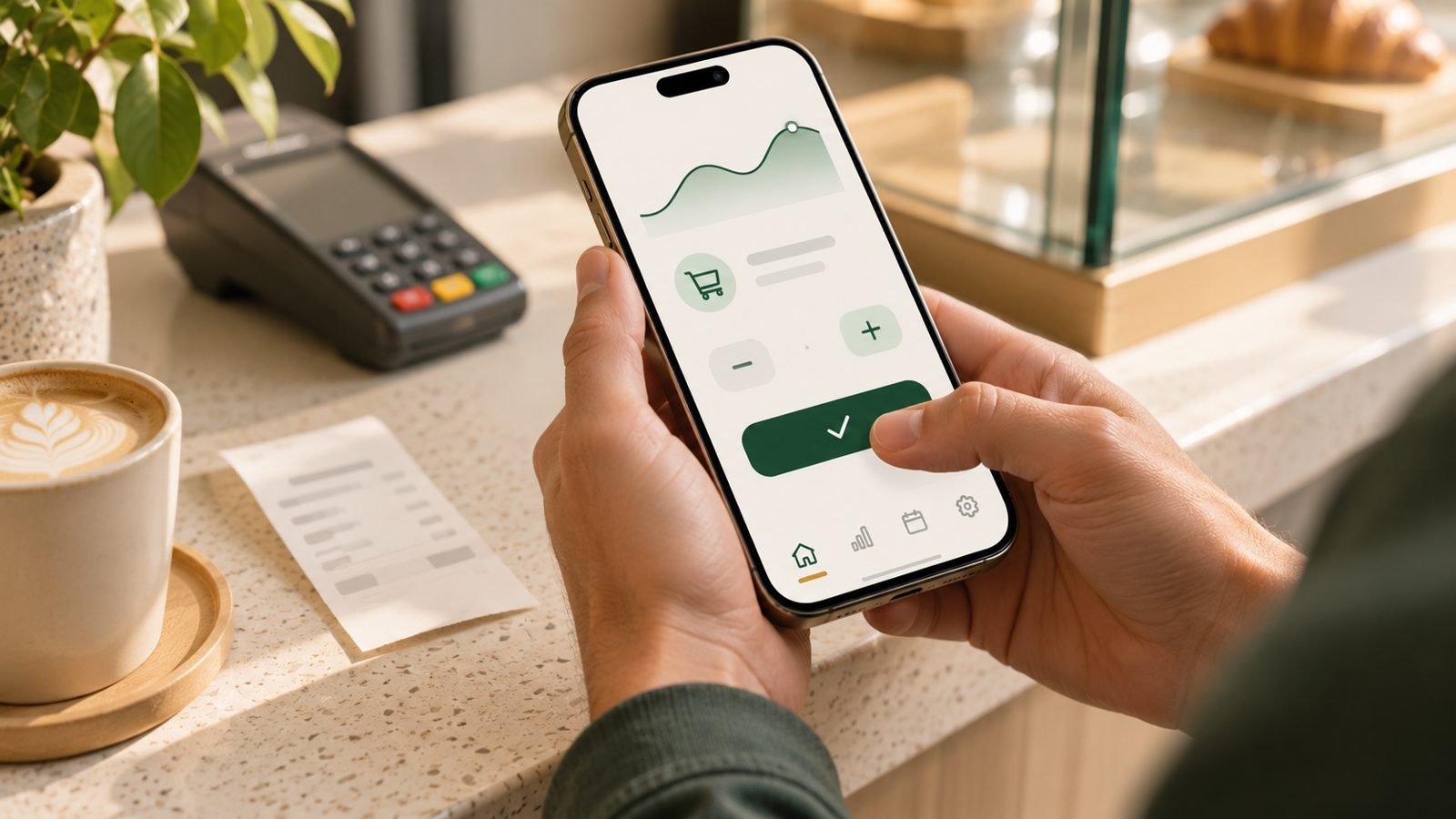
Why skip the bank connection
It breaks. Bank connections depend on third-party data providers, and they drop, lag or import the same purchase twice. Then you’re fixing the app instead of using it.
It hides your spending from you. When everything imports on its own, it’s easy to stop looking. Typing “lunch 14” takes three seconds, and you remember it – that small moment of attention is most of the benefit.
It doesn’t see cash. Tips, the farmer’s market, the guy who fixed your fence. A bank feed misses all of it.
You don’t have to hand over your login. For some people this is the whole reason. You can decide that for yourself – but you shouldn’t be forced into it just to try an app.
What you give up
Being honest: a manual tracker won’t fill itself in. If you forget to log a purchase, it isn’t there. And it won’t show you a balance from your bank – you enter your starting balance yourself.
For most people starting out, that trade is worth it. The point of a spending tracker in the first few weeks isn’t a perfect ledger. It’s finally seeing where the money goes.
Spending tracker apps that work without a bank
These are the apps from my test of 10 that let you log spending without linking anything:
| App | What it’s like | Free? |
|---|---|---|
| Monefy | Opens to two big buttons, minus and plus. Three taps per expense. | Yes, with ads |
| Finro | Plus, amount, category, account. Separate balances for cash and cards. | Yes, with limits |
| Budget – Simple Money Tracking | Tap a category tile, type the amount. Fastest logging once set up. | Yes |
| GoodMoney | Keeps everything on your phone. Optional receipt scanning. | Yes, on one device |
| Goodbudget | Envelope budgeting. Bank sync only in Premium. | Yes, forever |
| EveryDollar | Monthly plan, manual entry in the free version. | Yes (manual) |
Prices, setup and what reviewers complain about for each one are in my full review of 10 budget apps.
What to look for in a manual spending tracker
- Logging in a few seconds. If adding an expense takes more than three taps or one short line, you’ll skip it on busy days.
- Separate accounts. Cash, debit card, credit card. It keeps balances honest and makes it easy to check against your real accounts.
- Categories you can change later. Start with the defaults. Rename and merge once you know what you actually spend on.
- A simple monthly view. Spending by category, month by month. That’s the screen you’ll come back to.
- An export. A CSV export means your data isn’t stuck in one app forever.
The 30-second daily routine
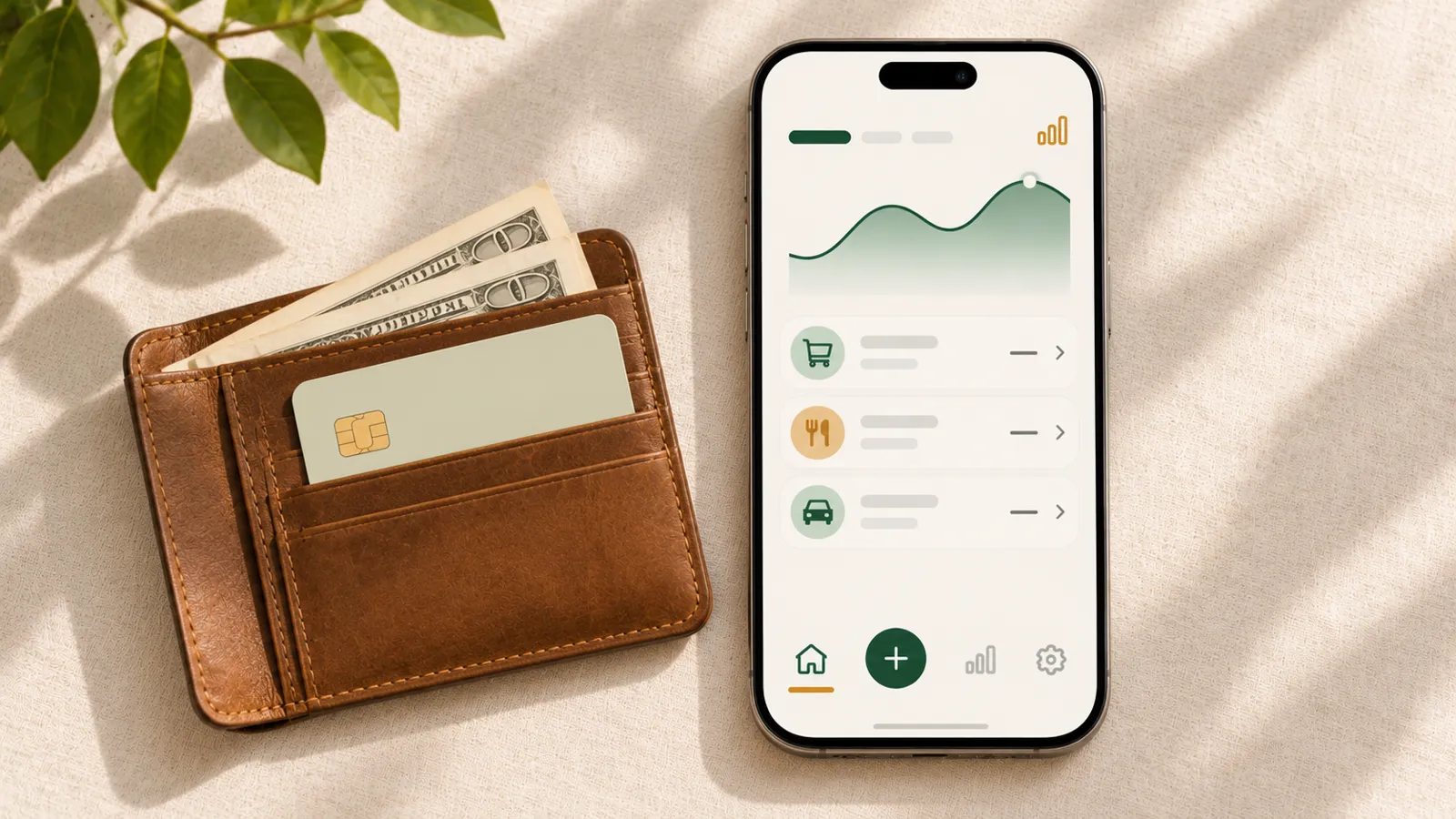
- Log it right after you pay. At the register, in the parking lot, at the pump. Waiting until evening is where most entries get lost.
- One line is enough. “gas 40.” “groceries 86.” You don’t need a note, a photo or a merchant name.
- Once a week, compare one balance. Open your bank app and check that your card balance roughly matches. If it’s off, look for the purchase you missed – you’ll usually remember it.
- Don’t fix your spending in week one. Just log. Changing things comes after you know what’s going on.
Where a spending tracker stops
A spending tracker tells you where money went. It doesn’t tell you how much is safe to spend this week once your rent and phone bill are taken out – or how long your money will last if next month is slow.
That’s the part I couldn’t find in any app without a bank connection, so I’m building it: logging as fast as the simplest trackers, plus “safe to spend” and “how long your money lasts,” based on money you actually have.
The bottom line
You can track spending without ever giving an app your bank login. Pick an app that logs an expense in a few seconds, log right after you pay, and check one balance a week. That’s enough to finally see where your money goes.
Frequently asked questions
Is there a spending tracker app that doesn't connect to your bank?
Yes. In my test of 10 apps, Monefy, Finro, Goodbudget's free version, EveryDollar's free version, GoodMoney and Budget – Simple Money Tracking all work without a bank connection. You type or tap in each expense yourself.
Is it safe to link my bank account to a budgeting app?
Most large budgeting apps use read-only connections through data providers and say they never move money. Whether that's comfortable is a personal choice. If you'd rather not share your bank login at all, a manual spending tracker avoids the question entirely.
Isn't manual spending tracking too much work?
With a good app, logging one expense takes a few seconds. Most people make a handful of purchases a day, so it's usually under a minute in total. The hard part isn't the time – it's remembering, which is why logging right after you pay works best.
How do I track cash spending?
The same way as card spending: log it when you pay. Many apps let you keep a separate 'Cash' account so your cash balance and card balance don't mix. Bank-connected apps can't see cash at all, which is one advantage of tracking manually.
Want a simpler budget app?
One email when the app is live on the App Store. No spam.
This article shares my own experience. It isn't financial advice.